Floot Update: New Features for Faster AI App Building, Better Organization, and Easier Launches

New Features for Faster AI App Building, Better Organization, and Easier Launches
If you’ve been exploring tools to build websites faster, launch products without a large team, stay organized across multiple projects, or use AI to speed up development, this update is for you.
Over the past few weeks, we shipped some of our most practical Floot improvements yet. From project folders and smarter planning tools to free custom domains and built-in AI image generation, Floot keeps getting easier to use for people who want to build real products without technical complexity.
What Is Floot?
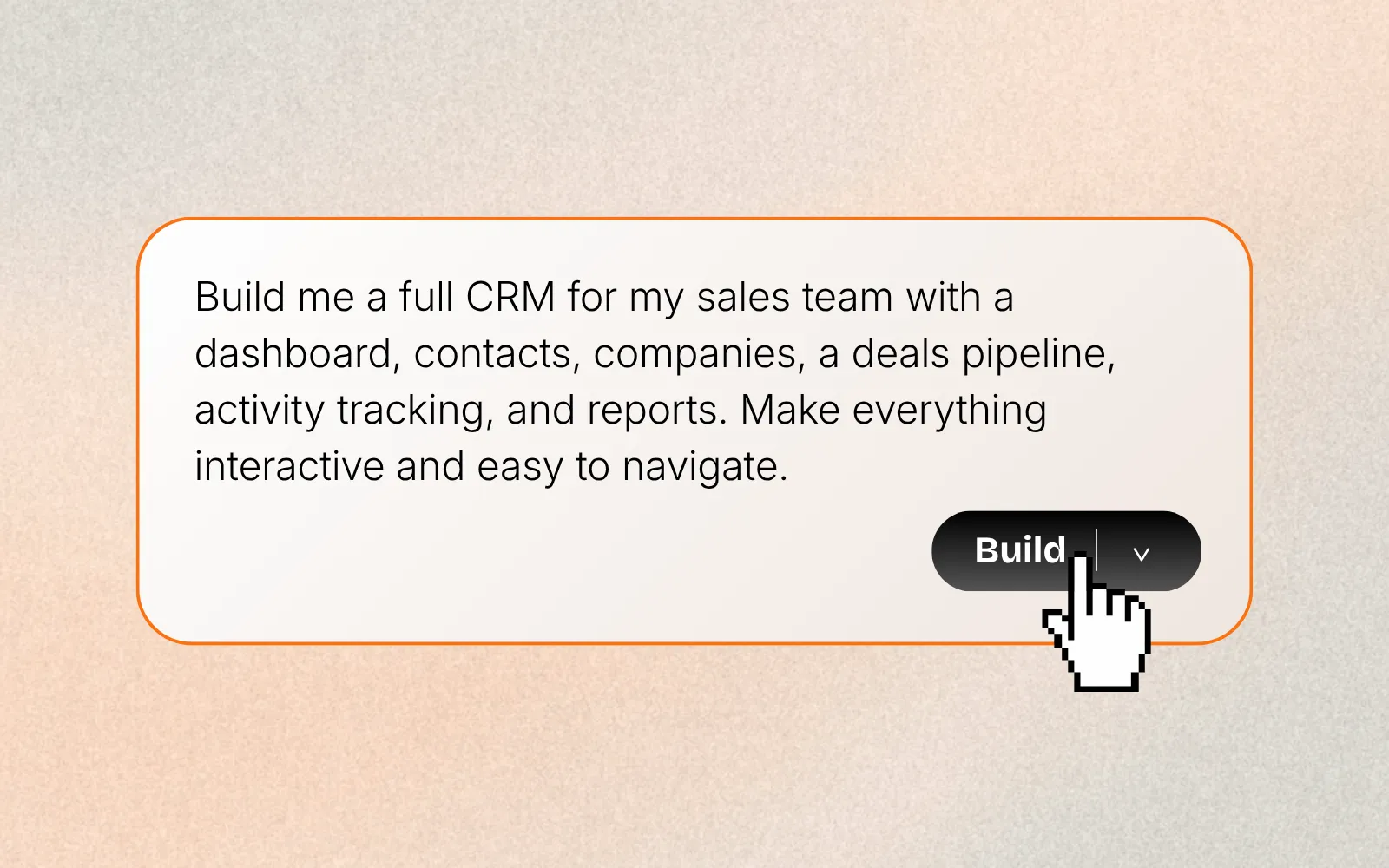
Floot is an AI no-code builder that helps anyone create websites, apps, tools, and internal systems using natural language.
Instead of learning frameworks, managing hosting, or debugging code manually, you describe what you want and Floot helps build it.
That means faster launches, easier iteration, and fewer roadblocks.
New: Project Folders
Better Organization for Growing Workflows
If you manage client work, side projects, experiments, or multiple brands, dashboards can get messy fast.
Now you can create Project Folders inside Floot.
Use folders to organize by:
- Client
- Team
- Product type
- Priority
- Internal vs external projects
- Personal systems
How It Works
- Create folders from your dashboard
- Move projects using the project menu
- Rename folders anytime
- Delete folders when no longer needed
No more endless scrolling through one flat list.
Improved: Plan Mode Now Available in Chat
Build With Better Structure
Many builders jump straight into code. Floot helps you think first.
Plan Mode is now available anytime inside chat. You can switch between:
- Build
- Plan
- Discuss
This means you can pause mid-project and ask Floot to rethink architecture, flows, features, or next steps before continuing.
Why This Matters
Better planning often means:
- Cleaner builds
- Fewer revisions
- Better product decisions
- Faster launches
New: Free Custom Domain for Pro Users
Launch With a Real Brand Name
All Floot Pro users now get one free custom domain.
Because real products deserve real names.
We also partnered with Entri to make setup simple, so you can:
- Connect an existing domain
- Purchase a new domain
- Manage it directly inside Floot
No leaving the editor. No complicated setup.
New: Plan Before You Build
Get a Clear Blueprint Before Development Starts
Before writing code, Floot can now create a structured build plan.
When you describe your idea, Floot can think through:
- App architecture
- Key features
- Technical approach
- User flows
- Build priorities
Then you review the plan before starting.
This is especially helpful for:
- SaaS ideas
- Marketplace apps
- Internal tools
- Startup MVPs
- Client projects
New: Favorite Your Projects
Keep Important Builds Easy to Reach
You can now favorite projects and keep them pinned at the top of your dashboard.
Perfect for:
- Active client work
- Current launches
- Internal tools
- High-priority apps
New: Queue Messages While Floot Works
Keep Momentum While Building
You can now keep sending messages while Floot processes previous requests.
Your prompts are queued and completed in order.
That means you can keep momentum instead of waiting between edits.
Examples:
- Add a pricing page
- Change the homepage copy
- Redesign the navbar
- Connect Stripe
Send it all at once.
Improved: Floot Can Work on Multiple Things at Once
Faster Progress on Complex Changes
When a feature touches multiple files, Floot can now read, create, and update them in parallel.
That means:
- Faster builds
- Less waiting
- Better handling of larger changes
Especially useful for real products with multiple pages and systems.
New: Reference Other Projects While Building
Reuse What Already Works
You can reference another Floot project and ask Floot to learn from:
- Layout patterns
- UI components
- Branding direction
- Logic flows
- Page structure
Great for agencies, multi-brand teams, and creators building repeatable systems.
New: AI Image Generation
Create Visuals Without Leaving the Editor
Floot now generates images directly inside the editor.
Create:
- Hero images
- Icons
- Logos
- Blog illustrations
- Product visuals
- Styled graphics
You can also use reference images to guide the output.
No separate design tools required.
Why These Updates Matter
Most AI builders focus only on generating code.
We focus on the full building experience:
- Planning
- Organization
- Speed
- Design
- Launching
- Iteration
Because building something real takes more than code.
Who Floot Is Best For
Floot is ideal for:
- Founders launching MVPs
- Creators monetizing ideas
- Agencies building client sites
- Non-technical operators
- Marketers testing products
- Teams building internal tools
Try Floot Today
If you're exploring ways to launch a startup, build a SaaS product, create client websites, or turn ideas into working tools without a traditional development team, Floot is built for you.
With built-in image generation, flexible planning tools, custom domain support, and a faster way to iterate, Floot helps you go from concept to live product with less friction.
Whether you're comparing modern AI builders or simply looking for an easier way to create something real online, Floot makes getting started simple.